
There are three mainstream approaches to deploying Schema structured data for Posts in WordPress. The recommended strategy is to combine automatic plugin generation with manual code fine-tuning — balancing efficiency with precision.
1. Use an SEO Plugin (Most Recommended)
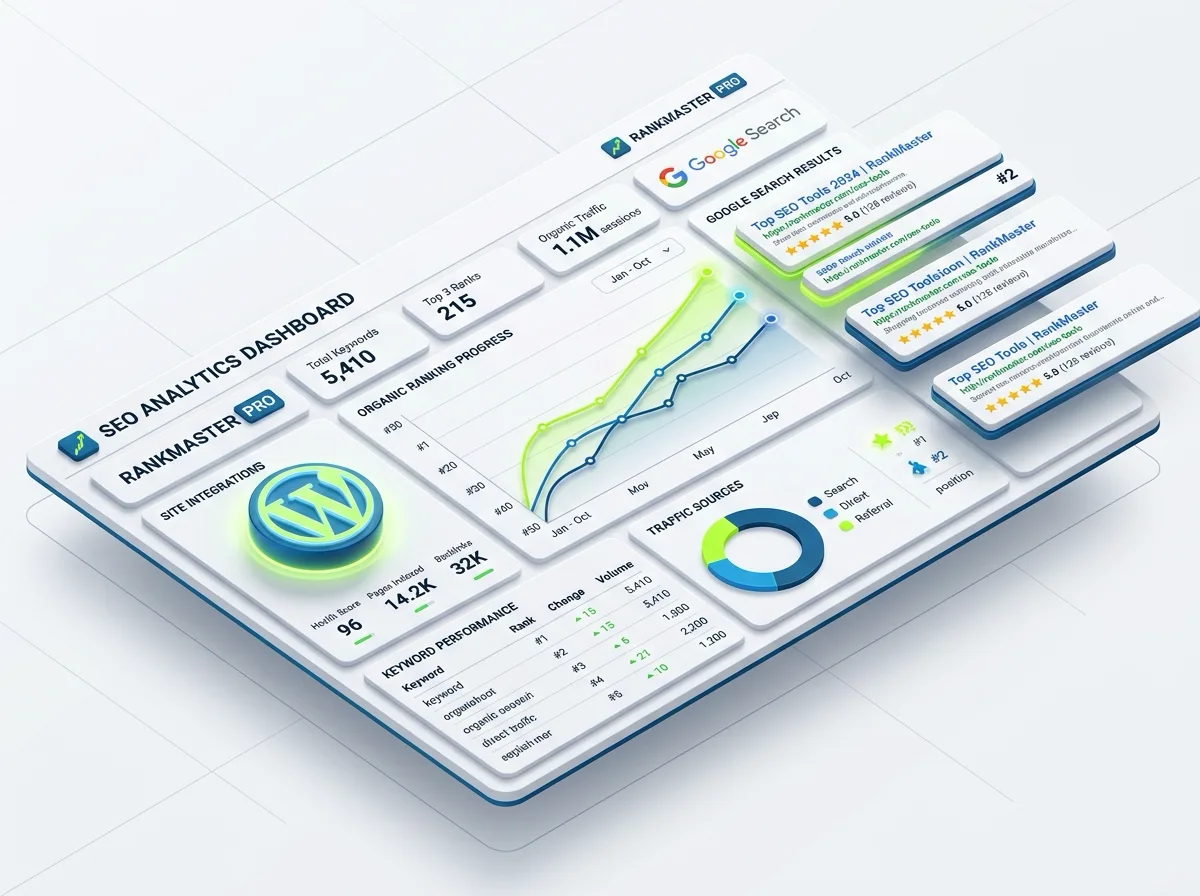
This is the approach used by 95% of WordPress sites. The plugin automatically inserts JSON-LD code into the <head> section of your posts.
- Popular plugins: Rank Math (recommended), Yoast SEO, All in One SEO
- Where to find it: In the post editor, look for the Rank Math / Yoast panel below or in the sidebar
- Click the Schema tab
- Select Article as the type — you can further specify
BlogPostingorNewsArticle
- Advantage: Automatically pulls the post title, author, publish date, and featured image, fully aligned with Google’s latest standards.
2. Insert Code Manually (For High-Value Pages)
For core product pages or technical whitepapers that need more complex Schema (e.g. FAQ Schema for a specific product), use this method:
- Where to place it: A Custom HTML Block inside the post editor
- Steps:
- Write your JSON-LD code using a Schema generator tool
- Insert a Custom HTML block anywhere in the post body
- Paste the code in — it’s invisible on the frontend but fully crawlable by Google
Code example (JSON-LD):
<script type="application/ld+json">
{
  "@context": "https://schema.org",
  "@type": "TechArticle",
  "headline": "How to Choose a High-Performance Electromagnetic Flow Meter",
  "image": "image-url",
  "author": {
    "@type": "Organization",
    "name": "Supmea Auto"
  }
}
</script>
3. Global Deployment via Theme Files (Advanced)

If you want all posts site-wide to follow a unified custom logic, you can modify the theme code directly.
- Where: The
functions.phpfile in your theme folder, or use the Code Snippets plugin - How it works: Write a hook function using
wp_headto dynamically inject structured data into the<head>of every post page - Warning: This requires basic PHP knowledge. Non-technical users should proceed with caution to avoid breaking the site.
Schema markup is one thing — getting it right, complete, and error-free is another. If you’re building a new site or looking to level up your SEO, reach out to Orangeeweb. We handle the technical details so you don’t have to.